AI Agent Memory: The Complete Guide to Short-Term and Long-Term Memory
A practical guide to AI agent memory: memory types, architecture patterns, Mem0 vs Letta vs Zep compared, and a Python implementation.
Panji Ihsanudin Fajri
16 min read0 reads

Contents
- What is AI agent memory?
- Why the context window alone isn't enough
- The three layers of agent memory
- 1. Short-term memory (working memory)
- 2. Episodic memory
- 3. Semantic and procedural memory
- Memory architecture patterns in common use
- 1. Full history in the prompt
- 2. Conversation summarization
- 3. Semantic retrieval over extracted facts
- 4. Temporal knowledge graphs
- 5. OS-style memory management
- 6. File-based memory
- How retrieval works: from conversation to stored fact
- Case study: building simple memory in Python
- Mem0 vs Letta vs Zep: choosing an approach
- Common mistakes and how to avoid them
- Best practices for designing agent memory
- FAQ
- Is agent memory the same as the context window?
- How long does agent memory last?
- Is storing the full conversation history enough?
- How do you delete wrong or expired memories?
- Is agent memory safe for sensitive data?
- Conclusion
Imagine hiring a brilliant personal assistant: she understands complex instructions, calls APIs, writes code. But every morning she wakes up with a blank slate. She forgets your name, forgets the project you worked on yesterday, and forgets that you hate Monday meetings. That is the state of most AI agents today — smart, but amnesiac. This guide covers AI agent memory: what it is, why the context window alone falls short, the architecture patterns used in production, and how to build your own with working Python code.
Summary: AI agent memory is the system that stores and retrieves information across sessions so an agent stays consistent. The context window is expensive, limited short-term memory; long-term memory keeps extracted facts, episodic history, or a knowledge graph. Popular patterns: conversation summarization, semantic retrieval (Mem0), temporal knowledge graphs (Zep/Graphiti), and OS-style memory management (Letta). This guide also includes a from-scratch Python implementation, a comparison of approaches, common mistakes, and best practices.
What is AI agent memory?
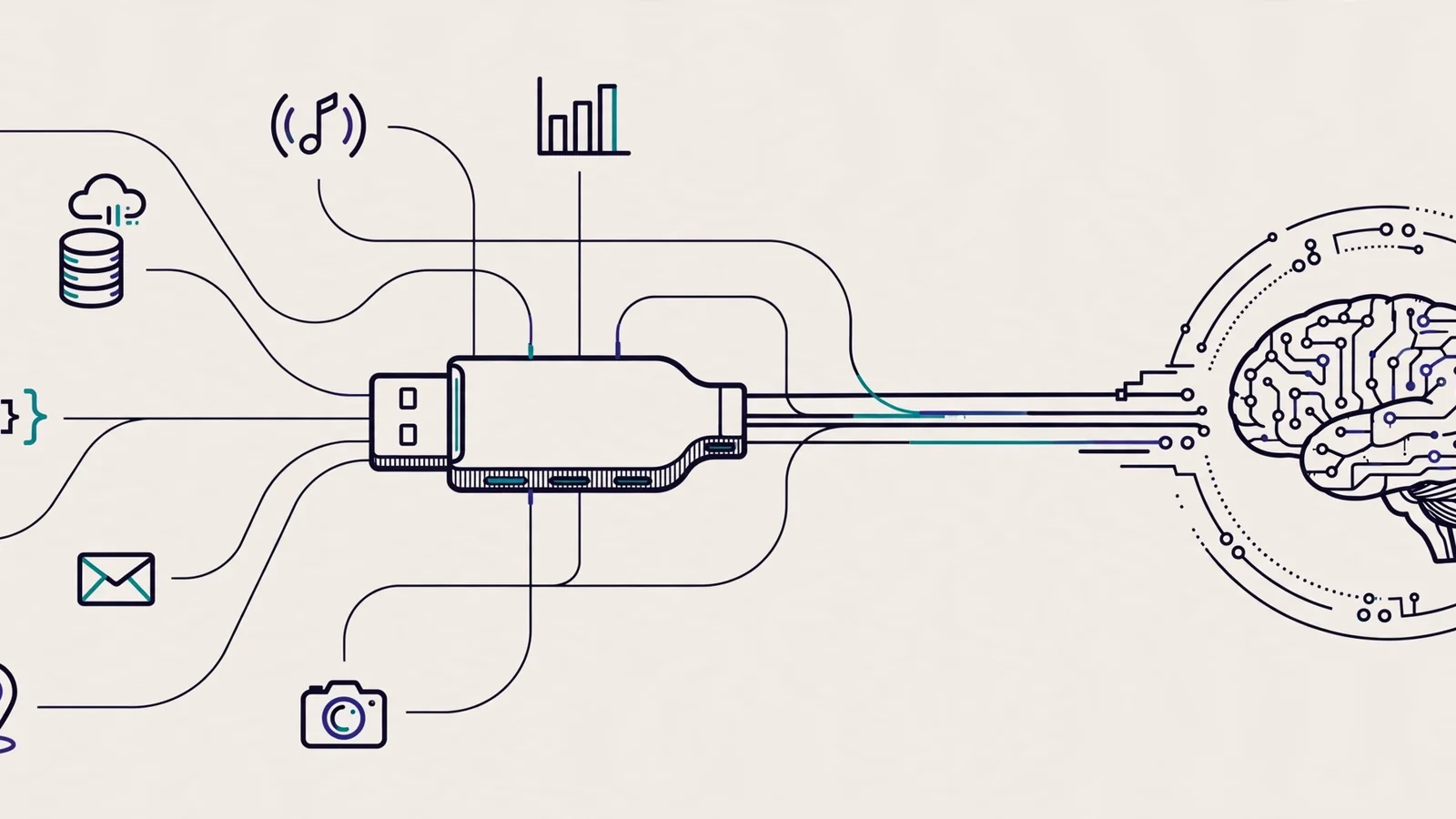
AI agent memory is the component that lets an agent store information from past interactions and recall it when needed — across turns within a session and across entirely separate sessions. Without memory, an agent is stateless: every new conversation starts from zero, and the only "memory" it has is the text you send in the prompt right now.
It helps to separate two things people constantly conflate. The first is the context window: the model's built-in working memory, every token processed in a single call. The second is the memory system you design around the model: where facts live, how they get selected, and when they get loaded back into the context window. The context window is small, pricey RAM; the memory system is the whole storage architecture around it.
Anthropic's widely referenced guide to building agents treats memory as a first-class augmentation of the LLM, alongside retrieval and tool use — capable models can decide for themselves "what information to retain" (Building effective agents). Memory isn't a bolt-on feature; it's part of agent design from day one.
Why the context window alone isn't enough
The most naive way to give an agent memory is to paste the entire conversation history into every prompt. For short sessions, this works. For real usage, it breaks down for four reasons.
First, cost and latency. Every token you resend gets billed again. A 50,000-token history pasted into every turn means paying for 50,000 tokens over and over, most of them irrelevant to the current question.
Second, signal drowns in noise. Language models suffer from "lost in the middle": important information buried mid-context is retrieved less reliably than information at the start or end. Piling on raw history actively degrades answer quality.
Third, sessions end and memory dies. The context window only lives for the session. Close the conversation and everything is gone. An agent that should know your preferences from last week becomes a stranger again.
Fourth, there's no structure. Raw history is sequential text. The agent can't answer "what architecture decision did we make last month?" without reading all of it. Good memory stores extracted facts, not raw transcripts.
The fix isn't a bigger context window — that only postpones the problem. The fix is a memory system that decides what to store, how to store it, and what to bring back.
The three layers of agent memory
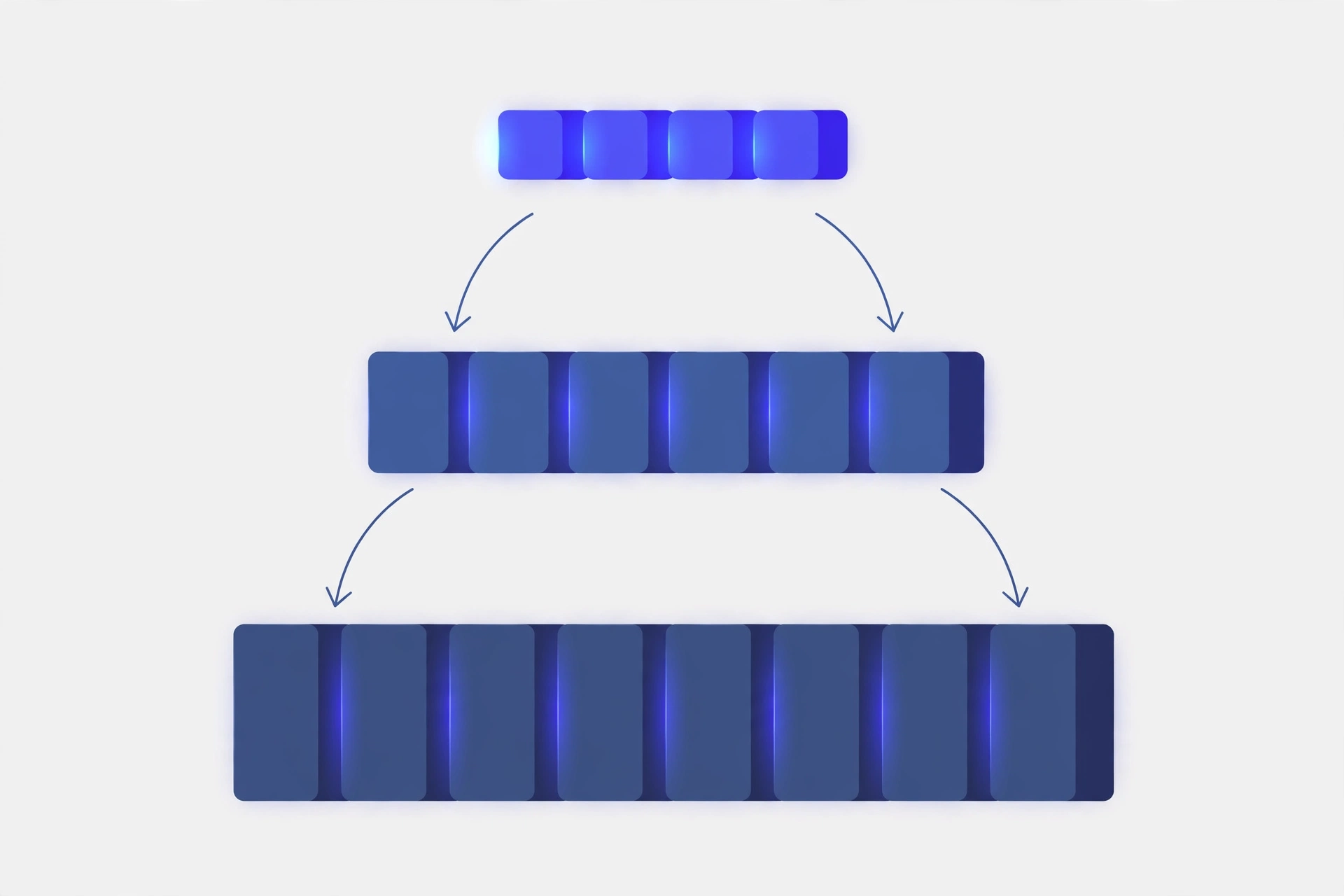
Borrowing terms from cognitive science, agent memory usually splits into three layers. The split is useful because each layer has different characteristics and different storage technology.
1. Short-term memory (working memory)
This is the context window itself: recent messages, the tool call that just returned, the task state in progress. Fast, always available, but limited and gone when the session ends. The design work here isn't storage — it's management: when to trim history, when to summarize, and how much history to keep.
2. Episodic memory
Records of events: "on October 14th, the user asked for a database migration and we chose strategy X because of Y." Episodic memory answers "when" and "in what context." Implementation is usually searchable conversation logs — not the whole transcript pasted in, but episodes retrieved by relevance.
3. Semantic and procedural memory
Facts detached from the events that produced them: "the user prefers aisle seats," "this project uses PostgreSQL," "deploys always go through the main branch." Procedural memory goes one step further: how to do things the agent learned from experience, like "when this API returns a 429, wait 60 seconds before retrying." This is the layer that makes an agent feel like it "knows" its user over time.
The three layers don't have to be three separate databases. Many systems combine them in one store with different metadata. What matters is that you're aware all three exist and treat them differently when writing and reading.
Memory architecture patterns in common use
Six patterns dominate the ecosystem today, from simplest to most explicit.
1. Full history in the prompt
The naive pattern: paste the last N messages into every call. Fine for short-lived chatbots. The weaknesses were covered above — expensive, noisy, and not cross-session. If your agent lives inside a single short conversation, this is enough. Otherwise, keep reading.
2. Conversation summarization
Once history passes a threshold, call an LLM to compress it into a dense paragraph, then replace the old history with the summary. Cheap and simple: one database table, one summarization prompt. The weakness: specific details die in the summary — "the user runs PostgreSQL 16.4" shrinks to "the user runs a database." For facts that must stay precise, summarization alone won't cut it.
3. Semantic retrieval over extracted facts
The pattern popularized by Mem0: on each new message, an LLM extracts the salient facts ("user is vegetarian," "decision: use Postgres"), stores them as structured entries in a vector database, and on each new question retrieves only the semantically relevant facts. Instead of sending 10,000 tokens of history, you send a few hundred tokens of filtered facts. Memory is scoped per user_id, agent_id, and run_id so one user's recollections never leak to another. Mem0 is open source (Apache 2.0) and self-hostable.
4. Temporal knowledge graphs
This pattern, used by Zep through its open-source Graphiti engine, stores memory as a graph: entities (people, projects, decisions) connected by typed relationships, each with a validity time window. Its strength is relational questions: "who decided X, and when did that decision change?" gets answered by traversing the graph, not by vector similarity alone. Retrieval is hybrid — semantic search, keyword matching, and graph traversal combined. For a deeper comparison of memory approaches, see this 2026 agent-memory vendor landscape analysis.
5. OS-style memory management
The most explicit approach comes from Letta (formerly MemGPT, born as research at UC Berkeley). Letta treats the context window like RAM and external storage like disk: core memory (small blocks always in context, like identity and persona), recall memory (searchable conversation history), and archival memory (long-term facts in a vector store). The distinctive part: the agent itself manages paging through tool calls — archival_memory_insert to store, archival_memory_search to retrieve, memory_replace to rewrite a core block. No background extractor pipeline; the model decides what's worth remembering.
6. File-based memory
The simplest pattern on the rise: write memories as plain text files read at the start of every session — like the MEMORY.md or AGENTS.md files popular coding agents read. No vector database, no LLM extraction. Advantages: transparent, easy to debug, directly editable by humans. Weaknesses: doesn't scale to thousands of facts, no selective retrieval. For a personal agent with dozens of important facts, this is often more than enough.
No pattern always wins. Choose by scale: files for dozens of facts, semantic retrieval for hundreds to thousands of facts across sessions, graphs for relational and temporal questions, and the OS approach for long-running autonomous agents that need to manage their own memory.
How retrieval works: from conversation to stored fact
Whatever pattern you pick, the workflow always has the same three stages: write, store, and read back.
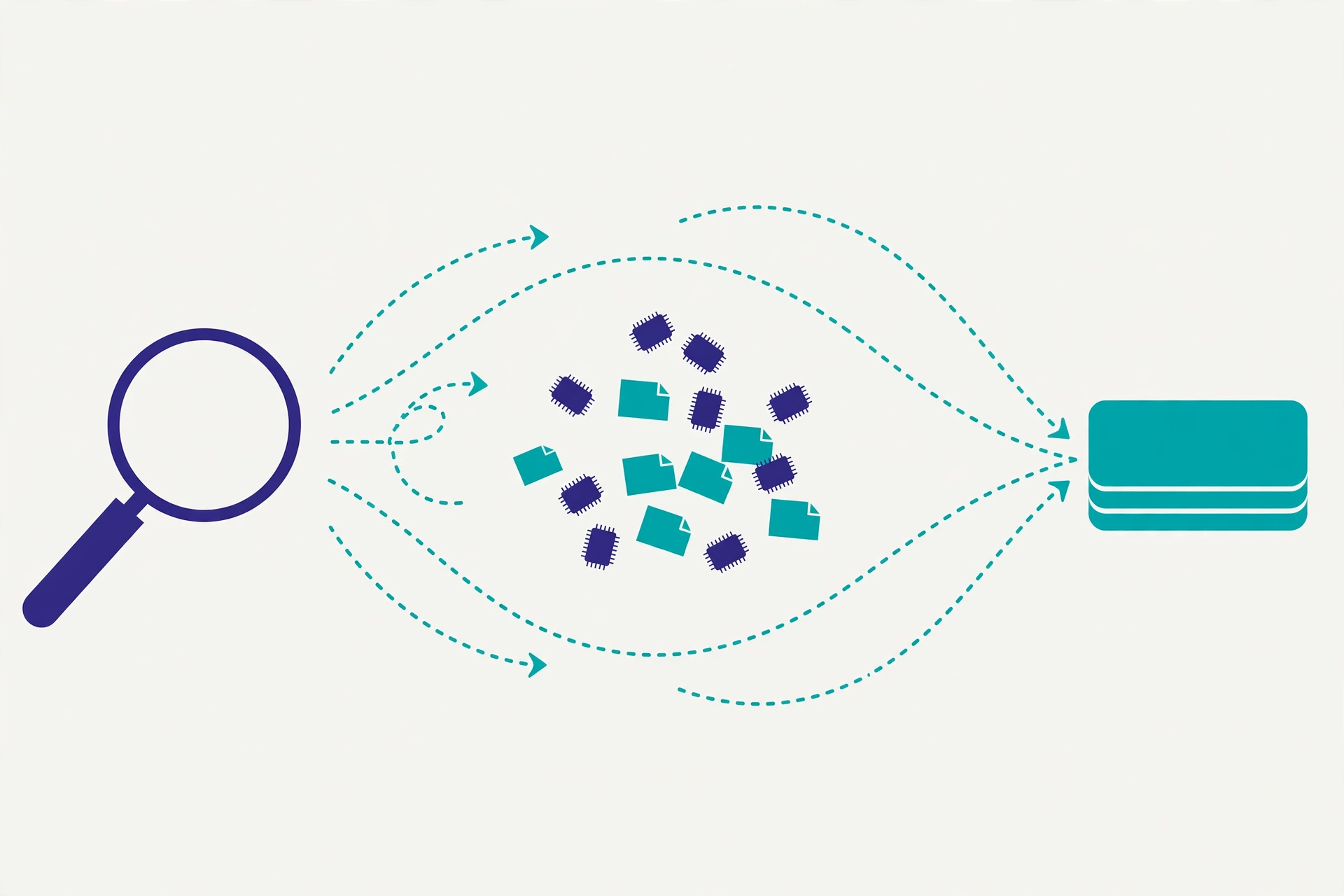
The write stage happens when new information arrives. The system decides whether it's worth storing — not every message deserves to become a memory. "Hello" doesn't; "deploy every Friday at 5pm" does. In the Mem0 pattern, an LLM extractor makes this call; in the file pattern, you write it manually; in the Letta pattern, the agent itself invokes a storage tool.
The store stage turns information into a searchable representation: vector embeddings, graph nodes, database rows, or just paragraphs in a file. Metadata comes along: when the fact was created, whose it is, and which episode it came from. Metadata is what enables operations like "forget everything older than 90 days" or "show only this user's memories."
The read stage runs before every model call: the query (usually the latest user message, sometimes combined with task context) retrieves candidate memories, candidates get ranked by relevance, and the top-K go into the prompt. The detail people underestimate: the limit. Retrieving 3 relevant facts is almost always better than 30 "maybe relevant" ones. Every extra fact costs tokens and adds potential noise.
Case study: building simple memory in Python
Theory evaporates fast without code. Here's a minimal memory implementation using only Python's standard library (SQLite, no LLM, no vector database). It stores facts per user and retrieves them by keyword overlap plus recency — enough to understand the anatomy of a memory system before adopting something heavier.
import sqlite3
import time


class SimpleMemory:
    """Minimal agent memory: store facts, retrieve the relevant ones."""

    def __init__(self, db_path="memory.db"):
        self.db = sqlite3.connect(db_path)
        self.db.execute(
            """CREATE TABLE IF NOT EXISTS facts (
                   id INTEGER PRIMARY KEY,
                   content TEXT NOT NULL,
                   user_id TEXT NOT NULL,
                   created_at REAL NOT NULL
               )"""
        )
        self.db.commit()

    def remember(self, content, user_id="default"):
        """Store a single fact."""
        self.db.execute(
            "INSERT INTO facts (content, user_id, created_at)"
            " VALUES (?, ?, ?)",
            (content, user_id, time.time()),
        )
        self.db.commit()

    def recall(self, query, user_id="default", limit=5):
        """Retrieve relevant facts: match keywords, prefer recent ones."""
        keywords = {w.lower() for w in query.split() if len(w) > 3}
        rows = self.db.execute(
            "SELECT content, created_at FROM facts WHERE user_id = ?"
            " ORDER BY created_at DESC LIMIT 200",
            (user_id,),
        ).fetchall()

        scored = []
        for content, created_at in rows:
            overlap = len(keywords & set(content.lower().split()))
            if overlap:
                scored.append((overlap + created_at / 1e15, content))
        scored.sort(reverse=True)
        return [content for _, content in scored[:limit]]

    def forget(self, snippet, user_id="default"):
        """Delete facts containing a text snippet."""
        cur = self.db.execute(
            "DELETE FROM facts WHERE user_id = ? AND content LIKE ?",
            (user_id, f"%{snippet}%"),
        )
        self.db.commit()
        return cur.rowcount
Using it inside an agent loop:
mem = SimpleMemory()

# after a turn containing important information
mem.remember("The user prefers aisle seats on flights.")

# before calling the model on the next turn
context = mem.recall("which seat does the user prefer on flights?")
prompt = "\n".join([
    "Relevant memories:",
    *[f"- {c}" for c in context],
    "",
    "User message: find flights from Jakarta to Surabaya.",
])
# send `prompt` to the model...
This example is deliberately simple — keyword retrieval fails on synonyms ("ticket" vs "flight"). In production, replace the recall stage with semantic search using embeddings, for instance via a vector database like the ones covered in the vector database comparison. The anatomy stays the same: write, store with metadata, read back top-K.
If you'd rather not build it yourself, Mem0 offers the same pattern as an SDK. The flow: send messages to add, call search before the next model request, and decide yourself which memories enter the prompt (Mem0's how-it-works docs):
from mem0 import Memory

m = Memory()  # default config uses OpenAI for embeddings & LLM

m.add(
    [
        {"role": "user", "content": "I prefer sitting in an aisle seat."},
        {"role": "assistant", "content": "Noted, I'll remember that preference."},
    ],
    user_id="panji",
)

results = m.search("which seat does the user prefer?", user_id="panji")
print(results)
One detail worth noting from Mem0's documentation: by default it stores extracted facts, not verbatim transcripts. If you need the exact text preserved, disable inference on add. Small decisions like this determine whether your memory holds signal or noise.
Mem0 vs Letta vs Zep: choosing an approach
These three names represent three different philosophies. This table summarizes them so you can choose quickly:
| Aspect | Mem0 | Letta | Zep (Graphiti) |
|---|---|---|---|
| Philosophy | Drop-in memory layer: extract facts, store, search | The agent manages its own memory like an OS | Memory as a temporal knowledge graph |
| Who decides what's remembered | Extractor pipeline (LLM behind the scenes) | The agent itself via tool calls | Extraction pipeline into a graph |
| Storage | Vector store + key-value | Core (in context), recall, archival | Temporal graph + episodic store |
| Key strength | Easy to adopt, precise per-user retrieval | Transparent; the agent can learn and self-correct | Relational and historical questions ("when did X change?") |
| Price paid | One extra LLM call per add |
More tool calls = higher latency & cost | Graph setup and queries are more complex |
| Core license | Apache 2.0, self-hostable | Apache 2.0, self-hostable | Apache 2.0 (Graphiti engine) |
| Best for | Products needing cross-session memory fast | Long-running autonomous agents | Conversation analytics and time-varying context |
An honest note: all three solve the same problem from different angles, and none is "best" in absolute terms. Building a memory feature for a chat product? Mem0 usually gets you there fastest. Building a research agent that runs for weeks and needs to revise its own understanding? Letta's architecture fits better. If your questions are always "who decided what, when," Zep's temporal graph answers most naturally.
For the theoretical foundation, read the complete RAG guide first — agent memory retrieval is essentially RAG whose document source is the agent's own experience rather than a static corpus.
Common mistakes and how to avoid them
Storing everything. The biggest temptation of a memory system is recording every message. The result: a database full of noise, retrieval returning stale facts, and ballooning extraction costs. Set a strict write policy — only user facts, decisions, preferences, and significant events.
Never forgetting. Facts expire. Users move cities, projects change stacks, preferences shift. A memory system with no forget or update mechanism slowly becomes an archive of lies the agent trusts. Ship delete/update operations from day one, and consider TTLs for clearly temporary facts (like task statuses).
Poisoned memory. If the agent stores anything the user says without verification, an attacker can inject fake "facts" through conversation — for example, claiming to be an admin. Separate memory from trusted sources (configuration, tool results) from memory sourced from user utterances, and don't let the latter overwrite the former without confirmation.
Over-generous retrieval. Fetching 30 candidates "just in case" almost always hurts: tokens balloon and the model gets distracted by marginal facts. Start with top-3 to top-5, measure answer quality, and raise the limit only when it provably helps.
One memory bucket for all users. Forgetting to scope memory per user is a privacy bug, not just a quality bug. Scope every write and read with a clear identity — Mem0-style user_id/agent_id/run_id scoping is a good model.
Testing memory in a single session. Memory bugs only surface across time: silently overwritten facts, memories never recalled, accumulating duplicates. Build multi-session test scenarios: store a fact in session 1, change it in session 2, verify in session 3.
Best practices for designing agent memory
- Start from needs, not technology. Write down three questions your memory must answer ("what are the user's preferences?", "what decisions were made?"). If the answers need only dozens of facts, a plain text file beats a vector database.
- Separate writing from reading. The write policy can be loose or strict, but the read policy must always be selective. Tune them independently.
- Give every fact an identity and a timestamp. Minimum: owner (user/agent/run), creation time, and source (user utterance vs tool result vs configuration). Without this, debugging memory is a nightmare.
- Ship forgetting from day one.
forgetandupdatearen't extra features — they're part of the definition of healthy memory. - Measure, don't trust. Build a small evaluation: 20–30 questions whose answers depend on cross-session memory, run it regularly. Retrieval quality degrades silently as the database grows.
- Keep it simple, as Anthropic advises. Start with the simplest pattern that solves your problem, and add complexity only when measurements prove it's needed. Good agents come from iteration, not from shipping the most sophisticated architecture on day one.
That last principle applies to agent tooling generally — the MCP guide covers giving agents well-documented tool access, which is the other half of the agent equation besides memory.
FAQ
Is agent memory the same as the context window?
No. The context window is temporary working memory that vanishes when the session ends and gets re-billed on every call. Agent memory is the system around the model that persists information and chooses what to load into the context window. The context window is a consumer of memory, not the memory itself.
How long does agent memory last?
Depends on your design. File and database patterns last as long as their storage exists — weeks to years. What expires isn't the medium but the relevance of the facts, which is why forgetting and updating matter as much as storing.
Is storing the full conversation history enough?
For short sessions, yes. For cross-session use, no: it's expensive because it's re-billed every turn, noisy because important facts get buried, and unstructured so it can't be queried selectively. Extract the important facts, store them structured, retrieve only what's relevant.
How do you delete wrong or expired memories?
Provide explicit operations from the start: delete by text match or ID, update facts that changed, and apply TTLs to temporary information. In the Letta approach, the agent can do this itself via tools; in pipeline approaches, provide an admin endpoint or dedicated commands.
Is agent memory safe for sensitive data?
Only if designed that way. Scope memory per user with a strict identity, label facts from trusted sources separately from user utterances, encrypt storage holding PII, and make sure there's a way to fully delete a user's data on request. Memory leaking across users is a privacy incident.
Conclusion
AI agent memory isn't about a bigger context window — it's about a system that decides what's worth remembering, stores it in searchable form, and brings back only what's relevant. Three layers (short-term, episodic, semantic) give you a mental model; six architecture patterns give you implementation choices from a simple text file to OS-style memory management.
The most sensible next step: take one agent you already have, add the simplest memory layer that solves one real problem — say, remembering user preferences across sessions — and measure whether answers improve. If you build the RAG foundation first through the RAG guide and understand context-window limits from the prompt engineering guide, adding memory will feel like a natural continuation, not an architectural leap.
Comments
Have a thought, a question, or something to add? Write it here.