OpenTelemetry: A Practical Guide to Modern Observability
Learn OpenTelemetry from scratch: observability concepts, the SDK-Collector-OTLP architecture, traces, metrics, logs, sampling, and a hands-on Python instrumentation tutorial.
Panji Ihsanudin Fajri
15 min read0 reads
Contents
- What is observability?
- Monitoring vs observability
- What is OpenTelemetry?
- The three core signals: traces, metrics, logs
- Traces: following one request's journey
- Metrics: aggregated numbers
- Logs: event records
- OpenTelemetry architecture components
- 1. API and SDK
- 2. OTLP: the wire protocol
- 3. Collector: the processing middleman
- Tutorial: instrumenting a Python app from scratch
- Step 1 — Set up the app
- Step 2 — Configure the collector
- Step 3 — Run everything
- Step 4 — Generate traffic and look at it
- OpenTelemetry vs Prometheus vs Jaeger
- Sampling: controlling observability costs
- Common mistakes
- Best practices
- FAQ
- Does OpenTelemetry replace Prometheus?
- Which programming languages does OpenTelemetry support?
- Is OpenTelemetry only for Kubernetes?
- What is the performance overhead of OpenTelemetry instrumentation?
- How do I migrate from a vendor agent to OpenTelemetry?
- Conclusion
Debugging a monolith is like fixing a bicycle: every part is visible, and you can hear where the noise comes from. Distributed systems are a different story. One request enters through the API gateway, hops across three microservices, queues in a message broker, touches two databases, and comes back. When that request is slow, no single log tells you which hop is the problem. That is where OpenTelemetry comes in.
OpenTelemetry is the vendor-neutral standard for collecting telemetry from your applications: traces, metrics, and logs. This guide takes you from zero to practice: how observability differs from plain monitoring, how the OpenTelemetry architecture works, and how to instrument a Python app with a collector that actually runs.
Summary:
- Observability means answering new questions about your system without redeploying. Monitoring only answers questions you anticipated.
- OpenTelemetry is a graduated CNCF project (May 2026) for producing and shipping traces, metrics, and logs. It is not a database or a dashboard.
- Three core pieces: the SDK in your code, the Collector as a processing middleman, and OTLP as the wire protocol.
- Instrument once, switch backends by changing an exporter config line.
- Collector-level sampling is what keeps observability costs from exploding.
What is observability?
Observability is the ability to understand a system's internal state from the data it emits. The term comes from control theory: a system is observable if you can reconstruct what is happening inside from outputs you can see.
The practical definition is simpler. An observable system answers questions you had not thought of before. "Why are requests from users in Jakarta slow when the servers are healthy?" is an observability question. "What was the CPU at 3 PM?" is not; that is a monitoring question, because you already knew CPU was worth watching.
The distinction matters because modern systems are too complex to fully anticipate. Microservices, serverless, queues, caches, databases: the combinations of failure grow faster than any dashboard you can build. Observability is not about collecting more data. It is about collecting data that is connected: one request traceable end to end, its metrics correlatable with logs from the same second.
Monitoring vs observability
The two terms get used interchangeably, but they play different roles.
| Aspect | Monitoring | Observability |
|---|---|---|
| Question | "Is X still healthy?" | "Why is X behaving this way?" |
| Data | Predefined metrics and alerts | Correlated traces, metrics, logs |
| Timing | Known before the incident | Discovered during investigation |
| Example | Alert when CPU > 80% | Tracing one slow request across services |
Monitoring tells you that something is wrong. Observability helps you find where and why. You need both: monitoring is the first line of defense, observability is the investigation toolkit.
What is OpenTelemetry?
OpenTelemetry (OTel for short) is an open-source project under the Cloud Native Computing Foundation that standardizes how telemetry is generated, processed, and exported. It was born in 2019 from the merger of OpenTracing and OpenCensus, and graduated within CNCF in May 2026, the foundation's highest maturity level.
One thing people often get wrong: OpenTelemetry is not a backend. It stores nothing, renders no dashboards, and sends no alerts. It is the plumbing between your code and the observability backend of your choice: Prometheus, Grafana, Jaeger, Datadog, or anything else that accepts the data. Its job ends when telemetry arrives at the backend in a consistent format.
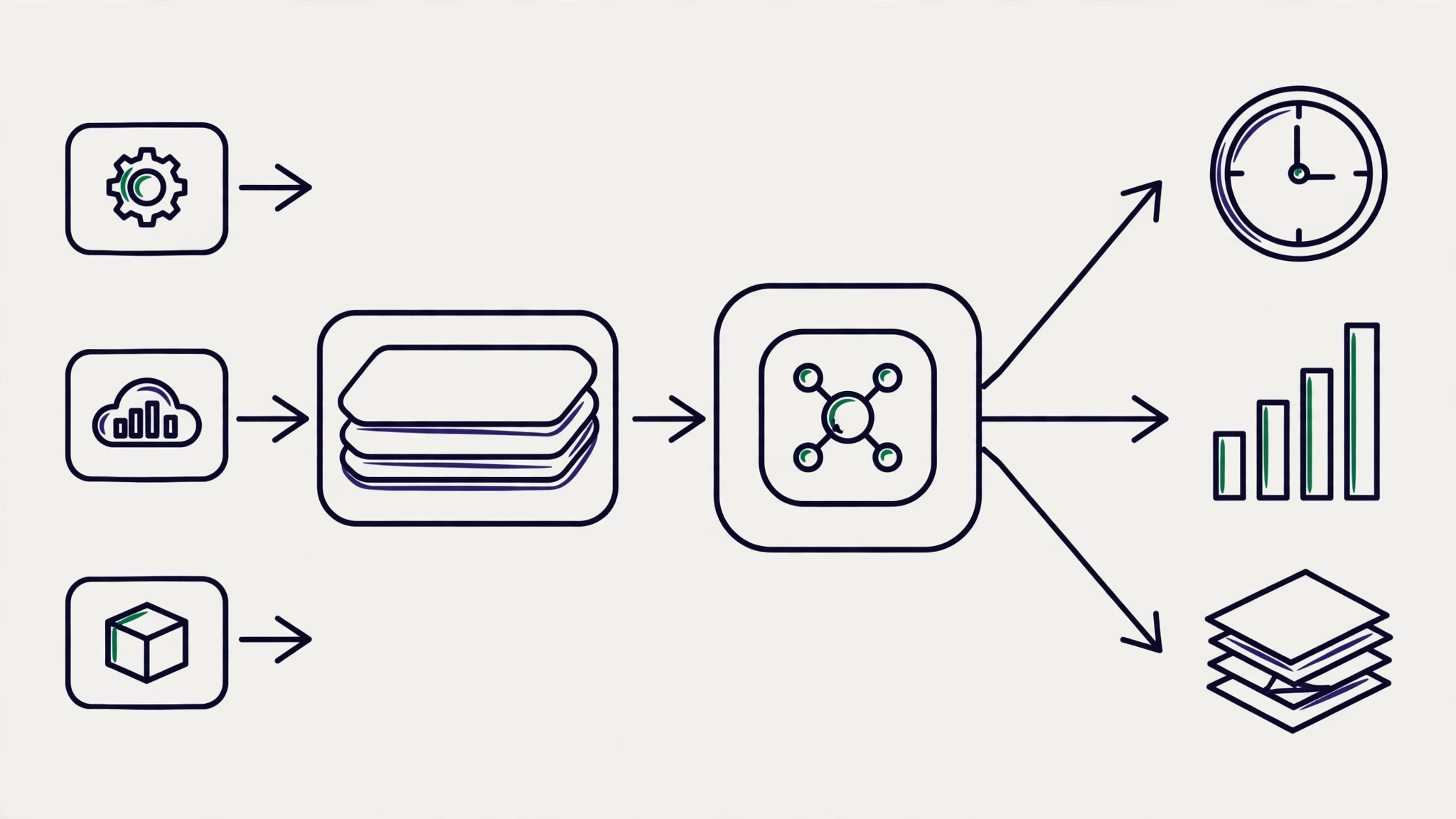
Why does that matter? Before a common standard existed, every vendor shipped its own agent and format. Switching vendors meant rewriting instrumentation. With OpenTelemetry, you instrument once, then change backends by editing one exporter config line. Application code stays untouched.
The three core signals: traces, metrics, logs
OpenTelemetry covers three signals that are stable across its major SDKs. (A fourth signal, continuous profiling, entered public alpha in March 2026 and is not yet recommended for critical production workloads.)
Traces: following one request's journey
A trace records the journey of a single request across services. It is made of spans, units of timed work such as "database query" or "payment API call". Spans form a tree: a parent span for the HTTP request, child spans for each operation inside it. Each span records start and end times, attributes (like http.route or db.query), and a success or failure status.
When a request crosses a service boundary, context propagation keeps it connected. The W3C Trace Context standard defines the traceparent header, carried across HTTP, gRPC, and message queues with no custom headers needed. That is how one complete trace gets assembled from dozens of services written in different languages.
Metrics: aggregated numbers
Metrics are numerical measurements aggregated over time: requests per second, p95 latency, memory usage. OpenTelemetry supports three main instrument types: counters (only go up, e.g. total requests), gauges (go up and down, e.g. active connections), and histograms (value distributions, e.g. latency). Metrics are cheap to store, fast to query, and ideal for dashboards and alerts.
Logs: event records
Logs are timestamped event records: lines of text (or structured JSON) your application writes when something happens. OpenTelemetry standardizes the log format and, more importantly, connects logs to traces: an error log can carry the trace ID, so you can jump from the log line straight to the full trace of the failed request.
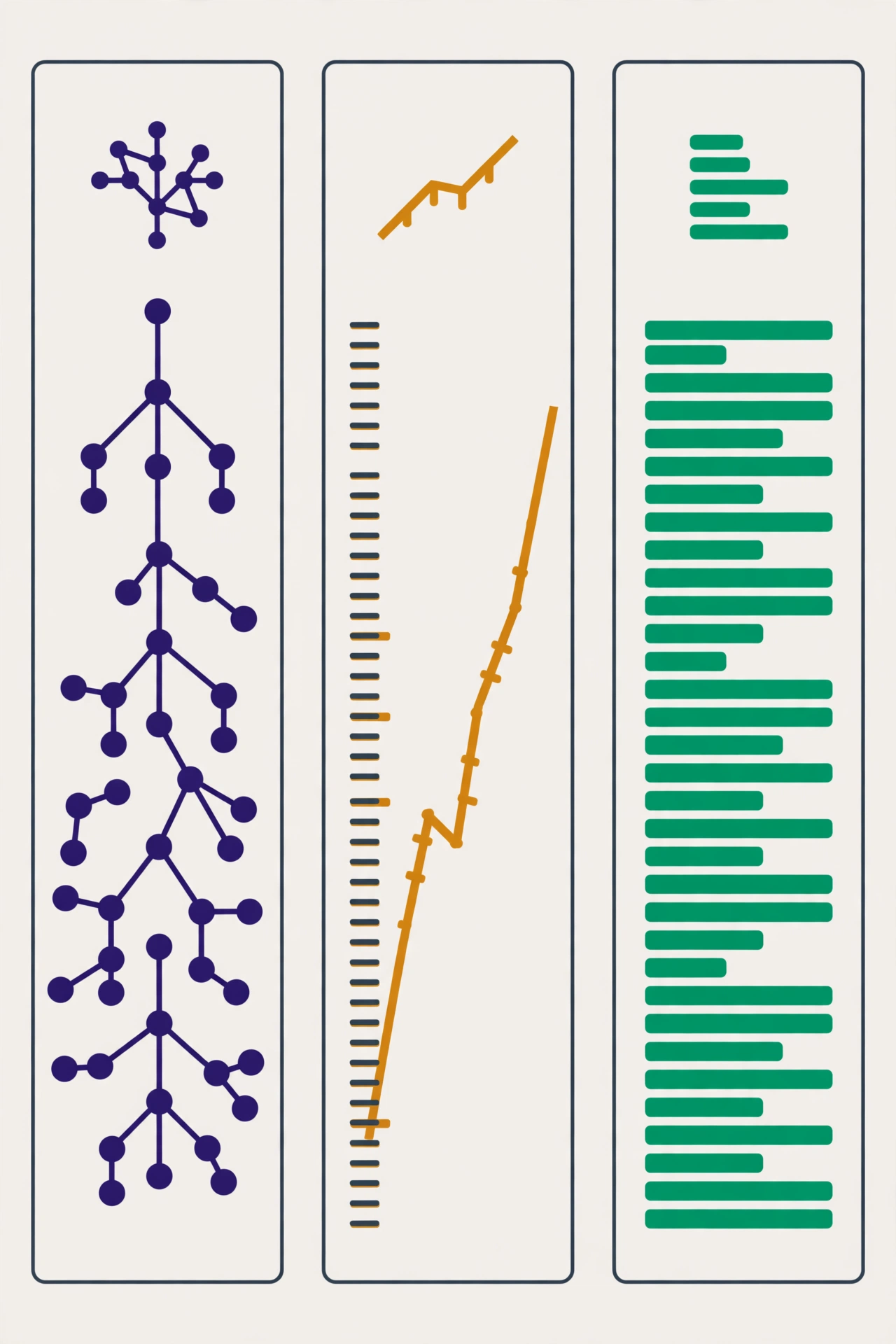
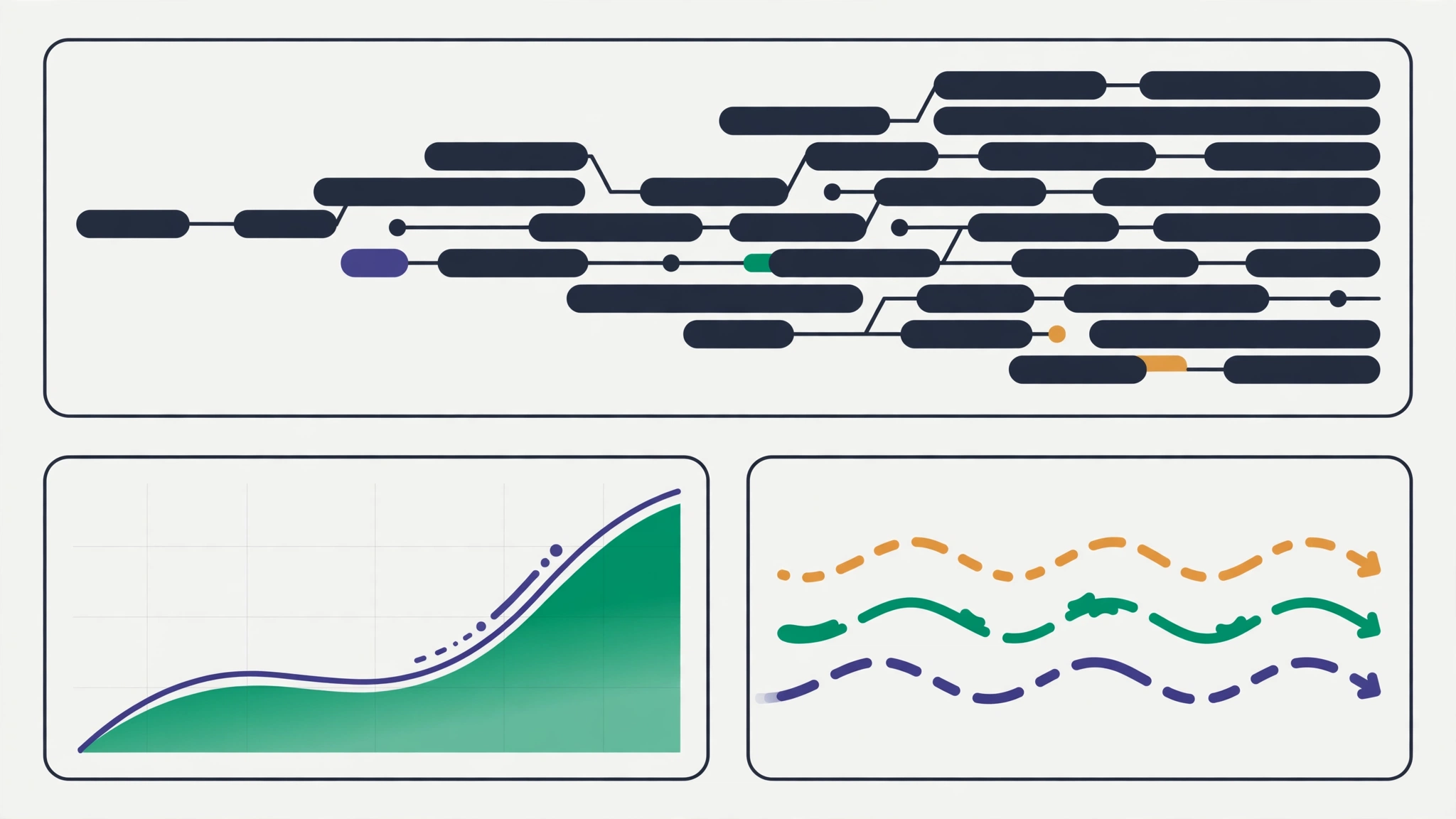
The three signals complement each other. Metrics tell you there is an anomaly ("p95 latency rose at 2 PM"), traces show where ("the database query span in the order service took 800ms"), logs explain why ("connection timeout to the replica"). Without all three correlated, incident investigation turns into guesswork.
OpenTelemetry architecture components
The OTel architecture has three main components, plus the protocol that ties them together.
1. API and SDK
The API is the interface your application code uses to create spans, counters, and logs. The SDK is the implementation that actually processes them: buffering spans, aggregating metrics, then exporting everything. The split is deliberate. Application code depends only on the lightweight API, so swapping the SDK never changes your code.
There are two kinds of instrumentation. Auto-instrumentation hooks into popular libraries (FastAPI, Django, psycopg, redis-py) with no changes to business code, which is enough to get started. Manual instrumentation adds custom spans and attributes at points that matter to your business, like checkout duration per payment method. The healthy practice combines both: automatic for the foundation, manual for the specifics.
2. OTLP: the wire protocol
OTLP (OpenTelemetry Protocol) is the wire protocol for shipping telemetry. It runs over gRPC (port 4317) and HTTP (port 4318), with a separate endpoint per signal: /v1/traces, /v1/metrics, /v1/logs. Nearly every modern observability backend accepts OTLP directly, and Prometheus even ships a built-in OTLP receiver mode.
3. Collector: the processing middleman
The Collector is a single binary that receives telemetry, processes it, and exports it to backends. Its configuration has three blocks:
- Receivers: where data comes in (OTLP, Prometheus scrape, Kafka, and many more).
- Processors: what happens to the data (batching, filtering, sampling, memory limiting, attribute mutation).
- Exporters: where data goes (OTLP, Prometheus, cloud providers, debug output).
The three are wired into per-signal pipelines. The Collector can run as a sidecar in each pod, a daemonset per node, or a centralized gateway. Its biggest win: backend credentials, retries, and sampling live in collector config, not in application code. Switch observability backends without redeploying your app.
Tutorial: instrumenting a Python app from scratch
This section is fully hands-on. We will run an instrumented FastAPI app, a collector, and a complete observability stack (Grafana + Tempo + Mimir + Loki, bundled in one grafana/otel-lgtm image), all with Docker Compose.
Step 1 — Set up the app
Create a project directory:
otel-demo/
├── app.py
├── requirements.txt
├── otelcol-config.yaml
└── docker-compose.yaml
requirements.txt:
fastapi
uvicorn
opentelemetry-api
opentelemetry-sdk
opentelemetry-exporter-otlp-proto-http
opentelemetry-instrumentation-fastapi
app.py: a small checkout app with manual instrumentation at the business-logic level:
import time
import random
from fastapi import FastAPI
from opentelemetry import trace, metrics
from opentelemetry.sdk.trace import TracerProvider
from opentelemetry.sdk.trace.export import BatchSpanProcessor
from opentelemetry.exporter.otlp.proto.http.trace_exporter import OTLPSpanExporter
from opentelemetry.sdk.metrics import MeterProvider
from opentelemetry.sdk.metrics.export import PeriodicExportingMetricReader
from opentelemetry.exporter.otlp.proto.http.metric_exporter import OTLPMetricExporter
from opentelemetry.instrumentation.fastapi import FastAPIInstrumentor

# --- Traces ---
provider = TracerProvider()
provider.add_span_processor(
    BatchSpanProcessor(OTLPSpanExporter(endpoint="http://otel-collector:4318/v1/traces"))
)
trace.set_tracer_provider(provider)
tracer = trace.get_tracer(__name__)

# --- Metrics ---
reader = PeriodicExportingMetricReader(
    OTLPMetricExporter(endpoint="http://otel-collector:4318/v1/metrics")
)
metrics.set_meter_provider(MeterProvider(metric_readers=[reader]))
meter = metrics.get_meter(__name__)
checkout_counter = meter.create_counter(
    "checkout_requests_total", description="Total checkout requests"
)
checkout_latency = meter.create_histogram(
    "checkout_latency_ms", description="Checkout latency in milliseconds"
)

app = FastAPI()
FastAPIInstrumentor.instrument_app(app)  # automatic HTTP instrumentation


@app.post("/checkout")
def checkout(items: int = 1):
    start = time.time()
    with tracer.start_as_current_span("checkout.process") as span:
        span.set_attribute("cart.items", items)
        # Simulate a call to the payment service
        with tracer.start_as_current_span("payment.charge"):
            time.sleep(random.uniform(0.05, 0.4))
        latency = (time.time() - start) * 1000
        checkout_counter.add(1, {"items": str(items)})
        checkout_latency.record(latency)
    return {"status": "ok", "latency_ms": round(latency, 1)}
Notice the pattern: auto-instrumentation handles HTTP spans for free, while manual spans (checkout.process, payment.charge) capture business logic. Both join the same trace.
Step 2 — Configure the collector
otelcol-config.yaml:
receivers:
  otlp:
    protocols:
      grpc:
        endpoint: 0.0.0.0:4317
      http:
        endpoint: 0.0.0.0:4318

processors:
  memory_limiter:
    check_interval: 5s
    limit_mib: 512
  batch: {}

exporters:
  otlp/lgtm:
    endpoint: lgtm:4317
    tls:
      insecure: true

service:
  pipelines:
    traces:
      receivers: [otlp]
      processors: [memory_limiter, batch]
      exporters: [otlp/lgtm]
    metrics:
      receivers: [otlp]
      processors: [memory_limiter, batch]
      exporters: [otlp/lgtm]
    logs:
      receivers: [otlp]
      processors: [memory_limiter, batch]
      exporters: [otlp/lgtm]
Processor order matters: memory_limiter always comes first so the collector never runs out of memory under traffic spikes, then batch merges data before export.
Step 3 — Run everything
docker-compose.yaml:
services:
  app:
    build: .
    ports:
      - "8000:8000"
    environment:
      - OTEL_EXPORTER_OTLP_ENDPOINT=http://otel-collector:4318
    depends_on:
      - otel-collector

  otel-collector:
    image: otel/opentelemetry-collector-contrib:0.161.0
    command: ["--config=/etc/otelcol/config.yaml"]
    volumes:
      - ./otelcol-config.yaml:/etc/otelcol/config.yaml:ro
    ports:
      - "4317:4317"
      - "4318:4318"
    depends_on:
      - lgtm

  lgtm:
    image: grafana/otel-lgtm:0.33.1
    ports:
      - "3000:3000"
Add a minimal Dockerfile (FROM python:3.12-slim, install requirements, CMD uvicorn app:app --host 0.0.0.0), then:
docker compose up --build
Step 4 — Generate traffic and look at it
for i in $(seq 1 50); do
  curl -s -X POST "http://localhost:8000/checkout?items=$((RANDOM % 5 + 1))" > /dev/null
done
Open http://localhost:3000 (login admin/admin), then:
- Explore → Tempo: search traces, open one, and click the
checkout.processspan. You will see the full span tree: the automatic FastAPI HTTP span, the manualcheckout.processspan, and the childpayment.chargespan carrying thecart.itemsattribute. - Explore → Prometheus/Mimir: query
rate(checkout_requests_total[1m])andhistogram_quantile(0.95, rate(checkout_latency_ms_bucket[5m]))for throughput and p95 latency. - Explore → Loki: application logs correlated with trace IDs.
One compose command gives you all three connected signals: the same foundation production uses, only the backend changes.
OpenTelemetry vs Prometheus vs Jaeger
A common question: "If I already run Prometheus and Jaeger, why do I need OpenTelemetry?" They fill different roles.
| Aspect | OpenTelemetry | Prometheus | Jaeger |
|---|---|---|---|
| Role | Produces and ships telemetry | Stores metrics, runs alerts | Stores and renders traces |
| Signals | Traces, metrics, logs | Metrics | Traces |
| How it works | Push via OTLP | Pull via scrape (can receive OTLP) | Receives spans, shows trace UI |
| Switching backends | Change exporter config | Requires query/alert migration | Requires instrumentation migration |
They are designed to work together. The common pattern: instrument with the OTel SDK, ship to the Collector, then have the Collector export metrics to Prometheus and traces to Jaeger or Tempo. Prometheus itself accepts OTLP metrics directly with the --web.enable-otlp-receiver flag. This is not an either-or choice; it is a division of labor.
Sampling: controlling observability costs
Keeping a complete trace for every request sounds ideal until you see the storage bill. An app serving 10,000 requests per second produces terabytes of trace data per day. Sampling decides which traces get kept.
Two main approaches:
- Head-based sampling: the decision is made up front, when the trace is created (keep a random 10%, for example). Cheap and simple, but you can lose the trace of a request that turned out to be broken.
- Tail-based sampling: the decision is made at the collector after the complete trace arrives. Keep every errored or slow trace, drop the normal ones. More accurate, but it needs memory and compute at the collector.
Tail-based sampling config at the collector:
processors:
  tail_sampling:
    decision_wait: 10s
    num_traces: 100000
    policies:
      - name: errors
        type: status_code
        status_code: {status_codes: [ERROR]}
      - name: slow
        type: latency
        latency: {threshold_ms: 1000}
      - name: random-keep
        type: probabilistic
        probabilistic: {sampling_percentage: 5}
The practical rule: keep 100% of errored traces, keep slow traces above a threshold that makes sense for your SLO, and keep a small random sample of normal traffic as a baseline. This combination usually cuts data volume by 90% or more without losing the ability to investigate.
Common mistakes
Instrumenting everything, then being shocked by the bill. Start with the services that break most often, not with all services at once. Expand coverage after the sampling pipeline works.
High-cardinality attributes. Putting user_id or order_id on a metric explodes the time-series count; every unique value is a new series. Attributes like that belong on spans (traces), not metrics. For metrics, use low-cardinality attributes: route, status_code, region.
Spans that are too fine or too coarse. One span per line of code makes traces unreadable; one span per request makes them useless. The rule of thumb: create spans at meaningful boundaries: cross-service calls, database queries, external I/O operations, and important business steps.
Forgetting to correlate logs with traces. Logs without a trace ID in a distributed system are just a pile of text. Make sure your log format includes the trace ID and span ID. Most OTel SDKs can inject them into your logging framework automatically.
Not monitoring the collector itself. The Collector is infrastructure. Enable its internal telemetry (the built-in Prometheus metrics endpoint on :8888) and alert on backed-up queues or dropped data.
Best practices
- Standardize naming from day one. Follow OpenTelemetry semantic conventions for attribute names (
http.route,db.system,messaging.destination) so dashboards and queries stay consistent across services and languages. - Separate configuration from code. OTLP endpoints, sampling levels, and credentials go through environment variables or collector config, never hardcoded in the app.
- One collector per deployment pattern, not per app. On Kubernetes, a per-node daemonset for applications plus one centralized gateway for tail-based sampling is the proven pattern.
- Measure first, sample later. Run without aggressive sampling for a week to learn your baseline volume, then set sampling policies from real data.
- Treat telemetry like a public API. Renaming a span or dropping an attribute can break other teams' dashboards and alerts. Version the change the way you would version an API.
- Start with RED/USE. For every service, make sure you have Rate, Errors, Duration (RED) for request-driven services, or Utilization, Saturation, Errors (USE) for resources. This delivers observability value in hours, not weeks.
FAQ
Does OpenTelemetry replace Prometheus?
No. OpenTelemetry produces and ships data; Prometheus stores metrics and runs alerts. They complement each other: instrument once with OTel, store metrics in Prometheus. Prometheus can even ingest OTLP data directly.
Which programming languages does OpenTelemetry support?
SDKs exist for the major languages: Python, Java, Go, JavaScript/TypeScript (Node.js and browser), .NET, Ruby, PHP, Rust, C++, and Swift. Traces, metrics, and logs are stable across the main SDKs, and support is even because they all follow the same specification.
Is OpenTelemetry only for Kubernetes?
No. OpenTelemetry is platform-agnostic. It runs on VMs, serverless, even IoT devices, as long as the app can send OTLP to a collector or backend. The deployment patterns (sidecar, daemonset, gateway) are popular on Kubernetes, but the concepts are the same anywhere.
What is the performance overhead of OpenTelemetry instrumentation?
Reasonable auto-instrumentation adds single-digit percentage overhead to latency, typically 1–5% depending on how many spans you create. The SDK is designed to be non-blocking: spans are buffered and exported in batches on a background thread. If overhead becomes a problem, reduce span granularity or raise the batch interval before blaming the framework.
How do I migrate from a vendor agent to OpenTelemetry?
Run both in parallel for a while: OTel instrumentation ships to the new backend while the old agent keeps running. Compare the data for one or two sprints, move dashboards and alerts over gradually, then shut the old agent down. Because OTel is vendor-neutral, the next backend move will not be as painful as this first migration.
Conclusion
Observability is not about tools. It is about the ability to answer questions you had not thought of yet. OpenTelemetry provides the standard foundation: one way to instrument, one wire protocol, and the freedom to pick your backend. Start with one service, connect traces, metrics, and logs, control volume with sampling, then expand.
The concrete next step: run the demo in this article, then swap the otlp/lgtm exporter for the backend your team already uses. If you do not have one yet, the LGTM stack from the tutorial is enough to start. For the wider backend picture, also read the CI/CD pipeline guide so telemetry deploys automatically, the Docker developer guide for the container patterns used here, and Redis caching strategies, because the cache is the first suspect whenever latency spikes.
References: OpenTelemetry documentation, OpenTelemetry on CNCF, W3C Trace Context, Prometheus documentation, Jaeger documentation.
Comments
Have a thought, a question, or something to add? Write it here.